
Blog · Safety Guide · 7 min read
Looking for the K1 Game APK Old Version? Read This First
Published August 29, 2026 · By the K1-Game.vip Team
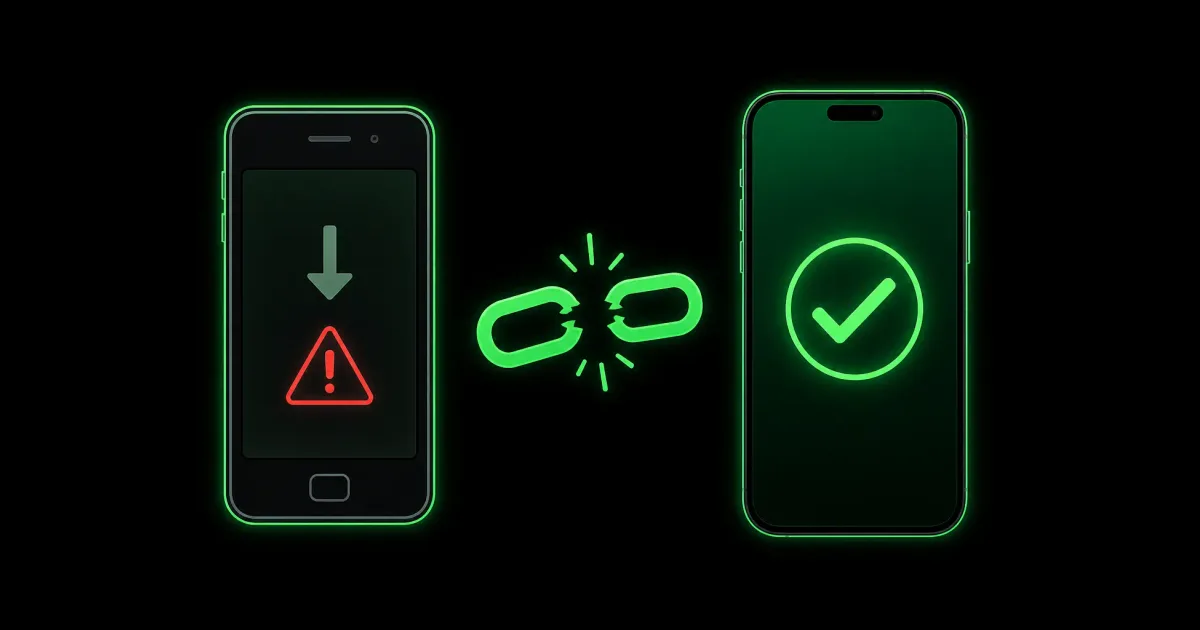
People search for the K1 Game APK old version for one of two reasons. Either the new update made the app slow on their phone, or the new update refuses to install and an older build feels like a way around the problem.
Both reasons make sense. The solution does not. This is a real-money app connected to your EasyPaisa or JazzCash wallet, and an old build fails in a very specific way — one that usually shows up at the worst possible moment.
Short version:
Old builds keep opening and showing the lobby, so they look fine. What stops working first is the part connected to the server — logging in, receiving OTP codes, and withdrawals. Most people discover this on the day they try to cash out.
Why people look for old versions
From the messages we get, it is nearly always one of these three:
- The app got slower after an update. Common on phones with 2 GB or 3 GB of RAM.
- The new APK will not install. Usually an "App not installed" message, and the assumption is that the file is broken.
- Something in the layout changed and the old one felt easier to use.
The second one is worth calling out, because it is a misdiagnosis. An install failure is almost never about the version being wrong — it is usually a leftover old app, low storage, or a broken download. All three are fixable in a couple of minutes, and we walk through each in our app not installed guide. Downgrading to solve that is a bit like changing the tyre because the fuel tank is empty.
What actually breaks on an old build
To understand why this matters, it helps to know how the app is built. Almost nothing happens on your phone. Your balance, your bets, your deposits, your login — all of it is handled on K1 Game's servers. The app on your handset is a window onto that. It sends requests and displays whatever comes back.
So when the servers get updated, the app has to speak the new language. An old build still speaks the old one. And things break in a particular order:
| What breaks | What you see |
|---|---|
| Login | Endless spinner, or a generic error with correct details |
| OTP codes | SMS never arrives, no matter how many times you resend |
| Withdrawals | Stuck on "Pending", or a network error at submit |
| Deposits | Money leaves your wallet but chips do not arrive |
| Newer games | Tiles missing, or a game that will not load |
Notice what is not on that list: the lobby. The lobby usually keeps working, which is exactly the problem. The app opens, the games are there, everything looks normal — and you have no reason to suspect anything until you need your money out.
The part nobody warns you about
There is no official archive of old K1 Game builds. The app is not on the Play Store, so there is no version history page to browse.
That single fact changes everything about this question. Every "K1 Game APK old version" download you find is a file some third party uploaded, and you have no way to check what is inside it. It might be a genuine old build. It might be a genuine old build with something added.
And this is the phone you use for EasyPaisa and JazzCash. That is the actual risk — not that an old version runs badly, but that you cannot verify what you are installing on the device that holds your money. We go through what these repacked files typically contain, and the exact Android permissions that give them away, in our mod APK guide.
One quick rule that catches most bad files: the real app is around 72.4 MB. If a site is offering a "K1 Game old version" at 8 MB or 15 MB, that is not a smaller old build. That is something else with the name attached.
Fix the lag instead — it takes about a minute
If the honest reason you want an old version is that the app feels slow, try these first. In our experience they solve it far more often than downgrading would.
- Clear the cache — not the data. Press and hold the K1 Game icon, tap App info, open Storage, then tap Clear cache. This is safe: it removes temporary files only. Do not tap Clear data, which signs you out.
- Free up storage. A phone running near full slows every app down. Aim for at least a couple of hundred megabytes free.
- Restart the phone. Genuinely helps if the app has been open for days.
- Close background apps before you open live tables or crash games. These need a steadier connection than slots do.
- Use Wi-Fi for live games where you can. A dropped frame on a slot costs nothing; a dropped frame while cashing out of Aviator costs the round.
If the app is still slow after all of that, the honest answer may be that your phone is at its limit for live-dealer streams. In that case the fix is to stick to the lighter games in the lobby rather than to install an unverified file — our games list explains which categories are heaviest.
When an old version is genuinely reasonable
We are not going to pretend there is never a case for it. There is one, and it is narrow: a brand-new release has a bug that crashes on your specific phone model, and you need access for a few days until the next patch.
Even then, treat it as temporary. Keep the balance in your account low while you are on an old build, do not try to withdraw large amounts through it, and update the moment a fix appears.
And if you find yourself in that position, contacting support is genuinely better than searching for files. They can tell you whether the crash is known and when the patch is coming — our support guide lists the real channels and how to avoid the fake ones.
How to check which version you have
Worth doing now, before anything goes wrong:
- Open K1 Game and go to your profile or settings screen
- Look for the version number, usually at the bottom
- It should read V0.7.52
If it shows something older, you are on an outdated build and it is worth updating before you next deposit — not after a withdrawal gets stuck. The current file, its size and the full install steps are on our download page.
And a last note on why we are blunt about this: a stuck withdrawal is stressful, and people usually blame the app. Often the real cause is a build that quietly stopped talking to the server weeks earlier. Staying current removes that whole category of problem.
Frequently Asked Questions
Can I still use an old version of K1 Game?
Sometimes, for a short while. But once the servers update, older builds start failing at the parts that matter most — logging in, receiving OTP codes, and processing withdrawals. The app may still open and show the lobby, which makes people think it works, right up until they try to cash out.
Where can I download the K1 Game APK old version safely?
There is no official archive of old K1 Game builds, which means every "old version" download you find is hosted by a third party you have no way to verify. That is the real problem. If your reason for wanting one is lag or crashes, the fixes in this guide solve that without putting an unverified file on the phone you use for EasyPaisa.
Will an old version make the app run faster on my phone?
Usually not. Slow performance is more often caused by a full cache, low free storage, or a weak connection than by the app version. Clearing the cache and freeing space fixes it far more often than downgrading does, and it takes about a minute.
What is the current K1 Game version?
The current build is V0.7.52 at roughly 72.4 MB, and it needs Android 5.0 or higher. If the version inside your app settings shows something older, you are running an outdated build and should update.